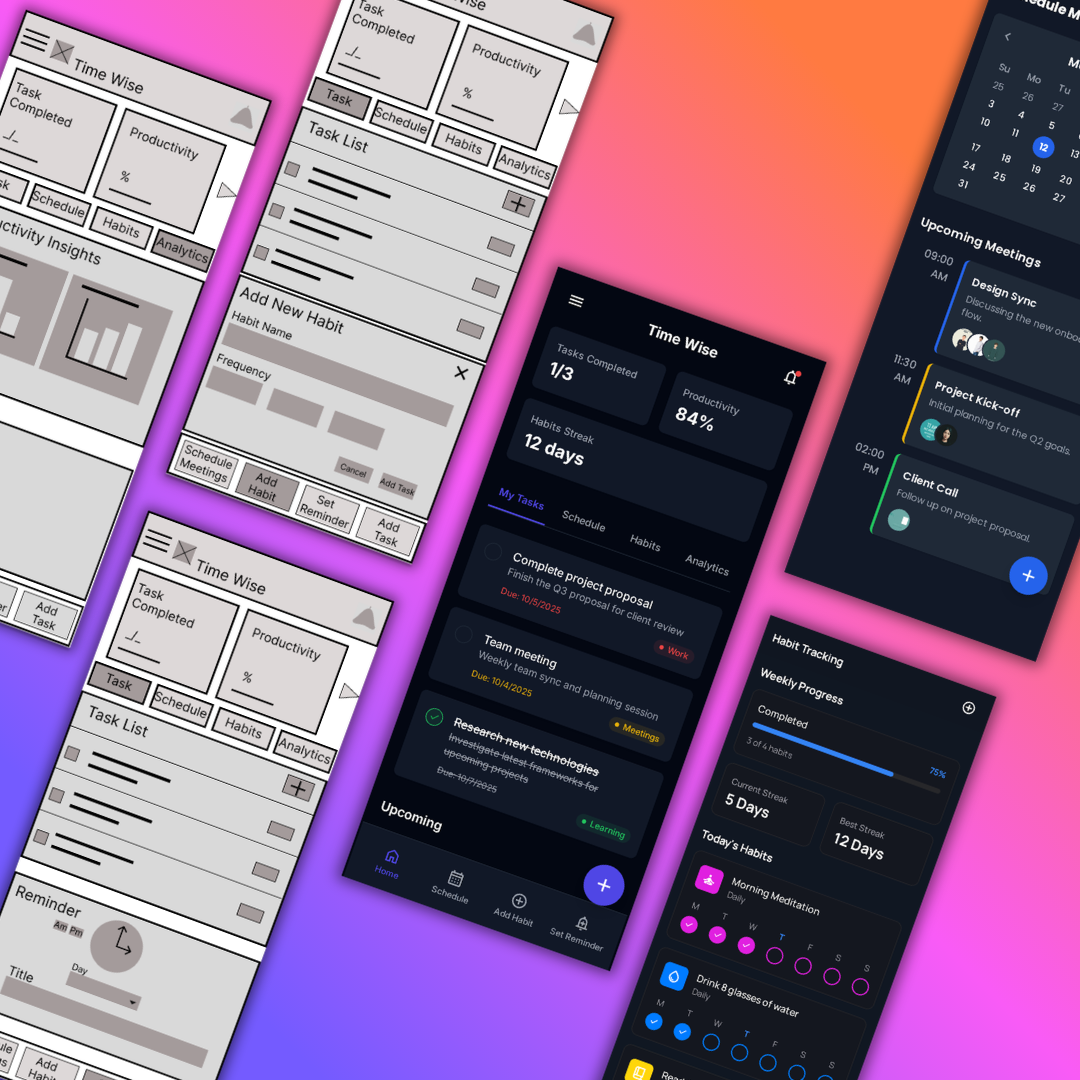
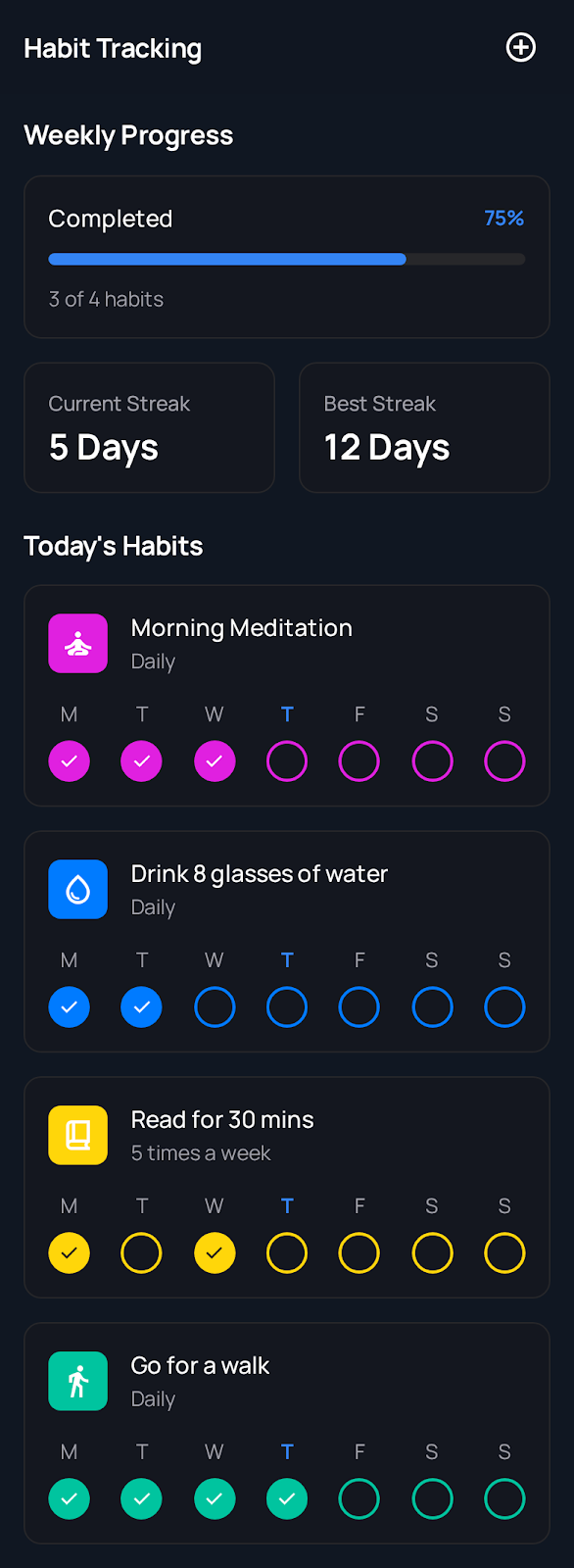
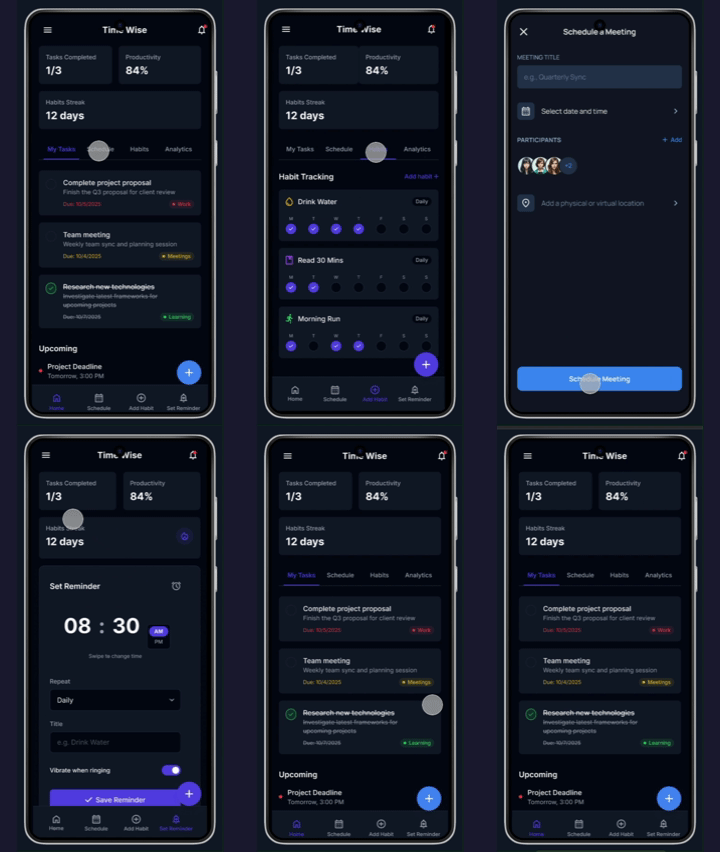
A smart all-in-one productivity app that helps busy users plan tasks, manage schedules, and build habits from a single, distraction-free dashboard.
Unorganised lifestyles lead to unbalanced work-life and study-hobbies routines. Users struggle with managing time effectively and maintaining productive daily habits.
I initially assumed only working professionals faced this challenge, but secondary research revealed that students, parents, and career changers all struggle equally with time management and daily task organisation.
Users struggle with managing time and maintaining a structured daily routine, leading to missed deadlines and unbalanced priorities.
Budget limitations affect tool choices, while poor productivity compounds financial stress for career changers and students.
Users lack a clear system to prioritize tasks effectively, leading to decision fatigue and procrastination on important work.
Balancing work, studies, family, and personal goals simultaneously creates overwhelm and reduces performance across all areas.
A busy university student and intern who needs an efficient way to manage academic, internship, and networking tasks because she struggles with prioritization and risks missing valuable career opportunities.
A professional with a demanding job who needs a better system to manage his workload and prevent burnout because task overload and lack of structured prioritization affect his productivity and work-life balance.
A dedicated teacher and parent who needs to balance classroom responsibilities and family duties without feeling overwhelmed because time constraints lead to stress and reduced efficiency.
A career changer working in a demanding job who needs a structured way to balance work, studies, and finances because his irregular schedule and financial concerns make it difficult to stay consistent with learning goals.
"Mapping out Aria's journey highlighted the importance of a structured scheduling system that helps students balance internships, networking, and studies while improving task prioritization."
"Daniel's journey revealed the need for a smart productivity assistant that streamlines work tasks, minimizes distractions, and promotes healthier work-life balance."
"Neelam's journey emphasized the necessity of a time management tool that integrates both professional and personal responsibilities, reducing stress while optimizing lesson planning and family time."
"Elliot's user journey highlighted the demand for an adaptable planner that supports balancing work, upskilling efforts, and financial constraints while maintaining personal well-being."
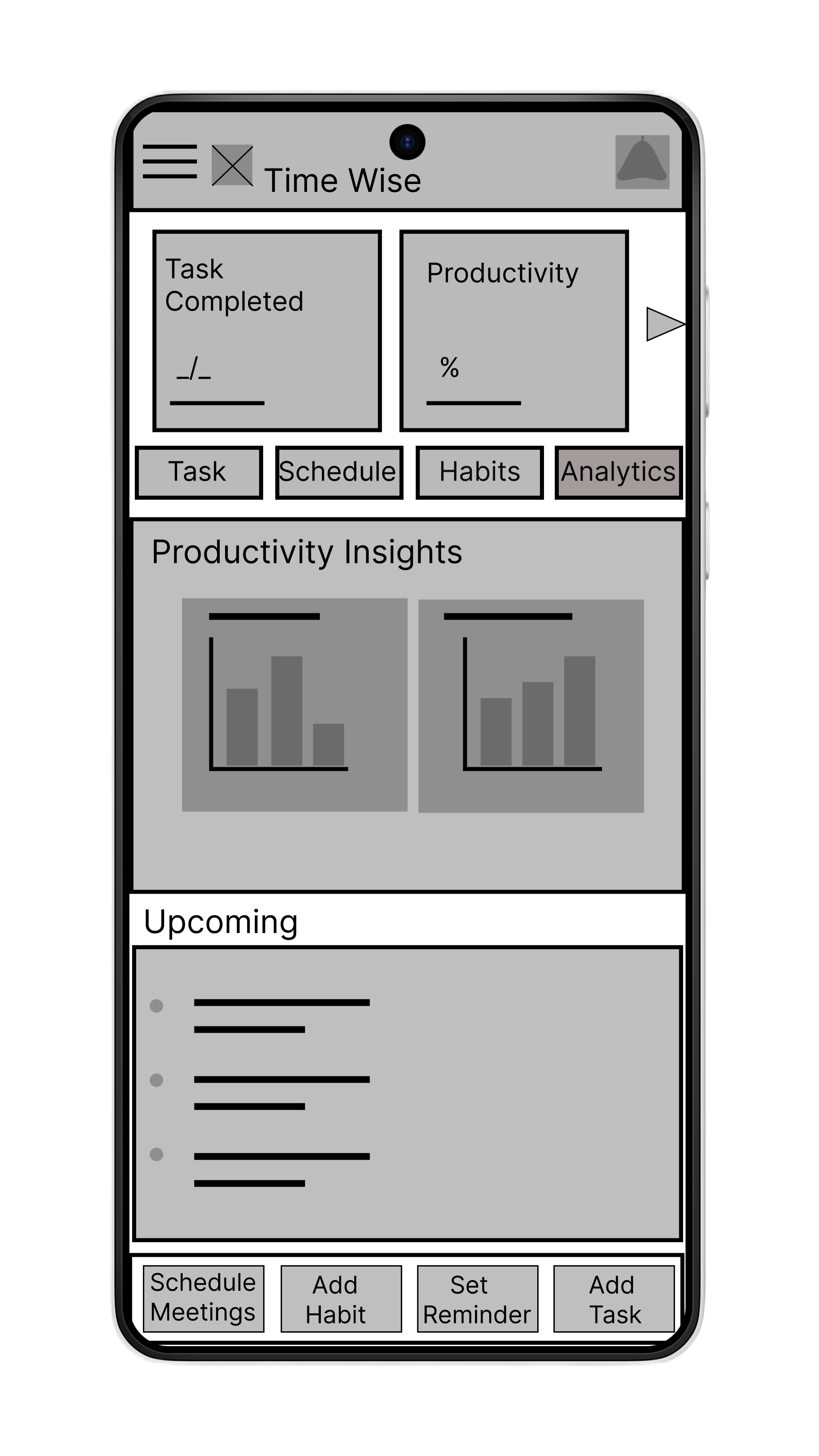
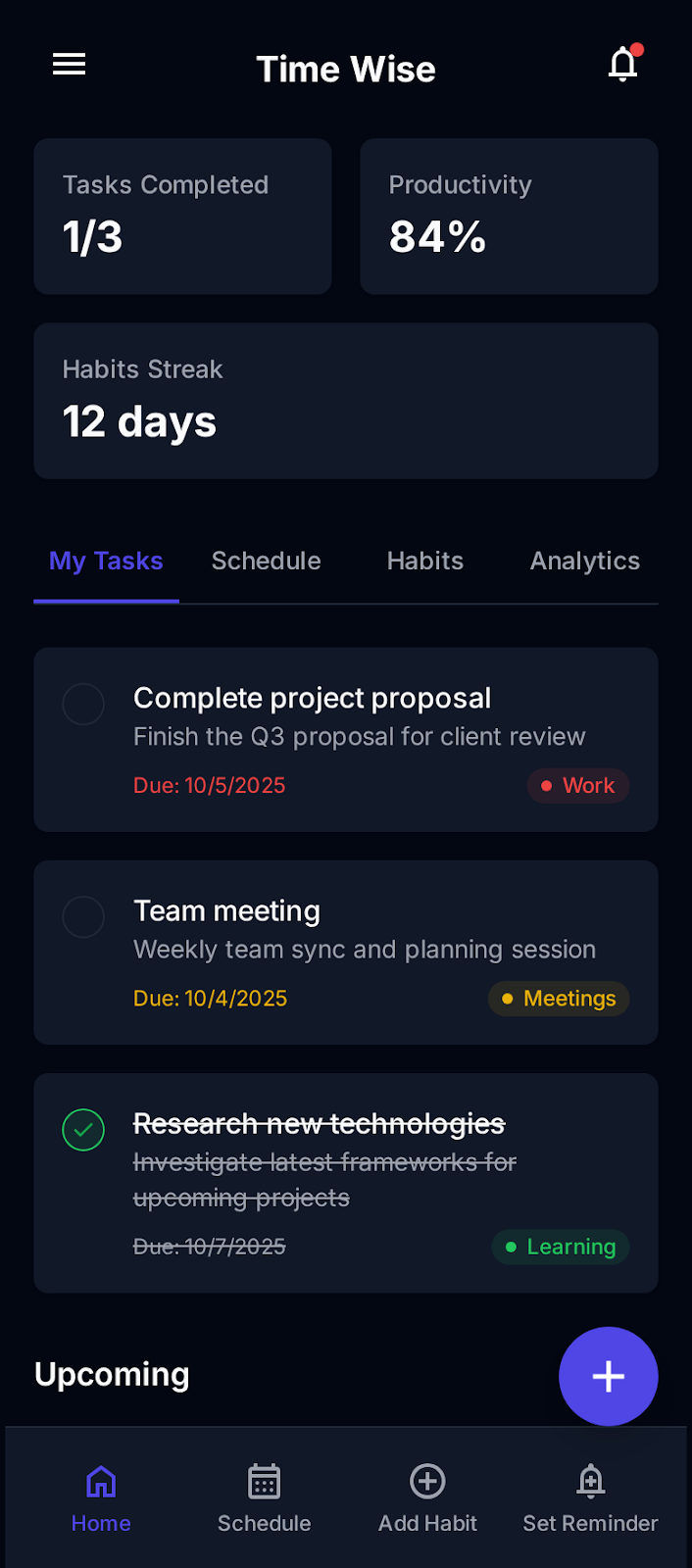
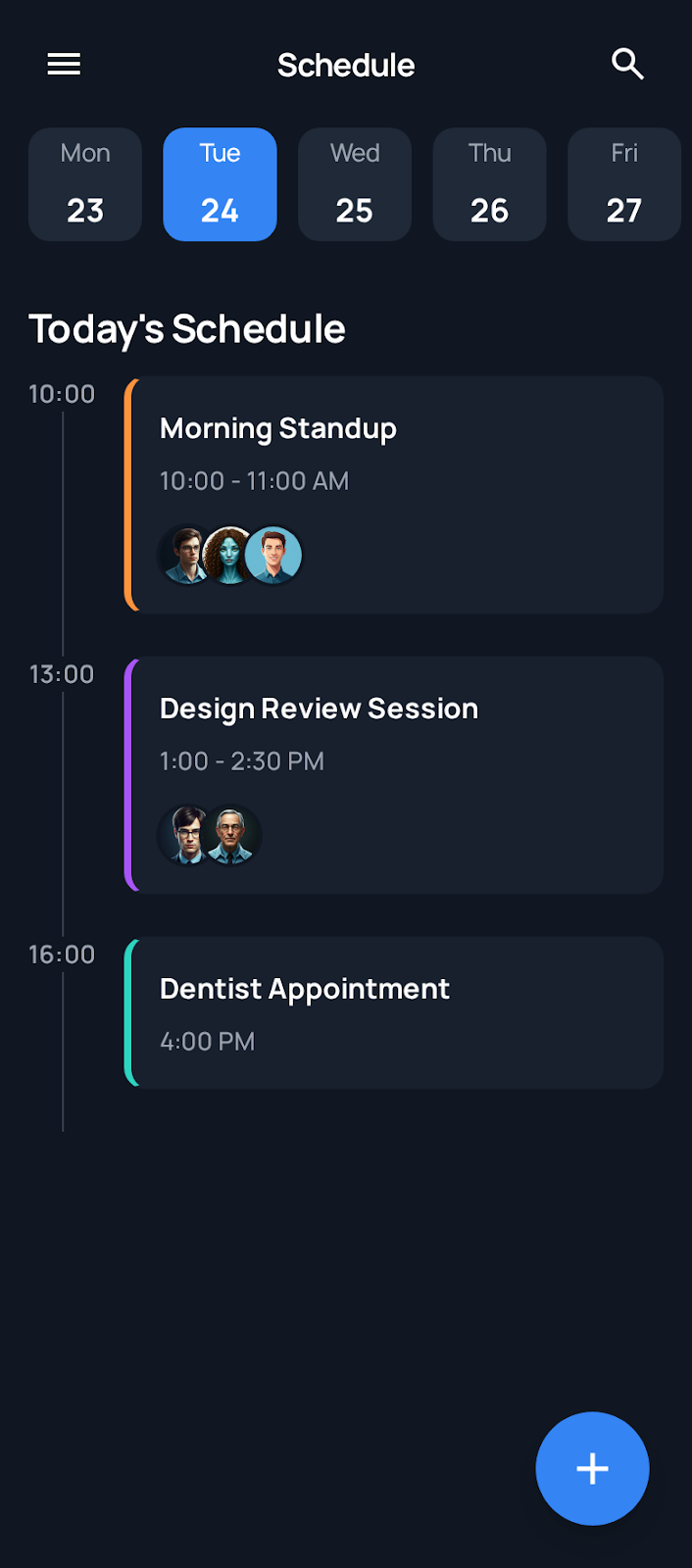
Quick Actions significantly reduced friction for common tasks. Timeline schedule view improved time awareness. Progress widgets increased user motivation.
Users were unsure where to start on the dashboard. Task creation flow felt unclear to first-time users.
Users encountered dead-ends in the Settings menu, specifically within the 'Collaborations' and 'Data & Privacy' sections. Inconsistent interactive elements confused users and reduced trust.
Implemented functional dropdowns in all Settings sections. Ensured all interactive elements responded to user input consistently. Improved visual hierarchy and feedback states.
High-contrast colors and large text were used throughout the interface to support users with low vision and ensure readability in all lighting conditions.
All buttons and touch targets follow minimum size guidelines (44x44px) to support motor accessibility and ensure comfortable interaction on mobile devices.
Simple navigation patterns and clear labels improve usability for screen readers and support cognitive accessibility for users of all abilities.
"I finally feel like I can see my whole day clearly in one place."
Participants reported feeling more organized and less overwhelmed while using TimeWise. This project taught me the importance of iterative design and validating assumptions through usability testing. Small interface changes — like persistent actions and clearer hierarchy — can significantly improve user confidence and productivity.
Conduct additional usability testing with a larger and more diverse group of users to validate designs at scale and uncover edge cases.
Implement smart scheduling recommendations using productivity data to help users optimize their daily routines automatically.
Explore collaboration features for shared task management, enabling teams and families to coordinate schedules and responsibilities together.
Click on either prototype below to explore the full interactive experience in Figma.
See the complete UX design process from research to hi-fidelity prototype.